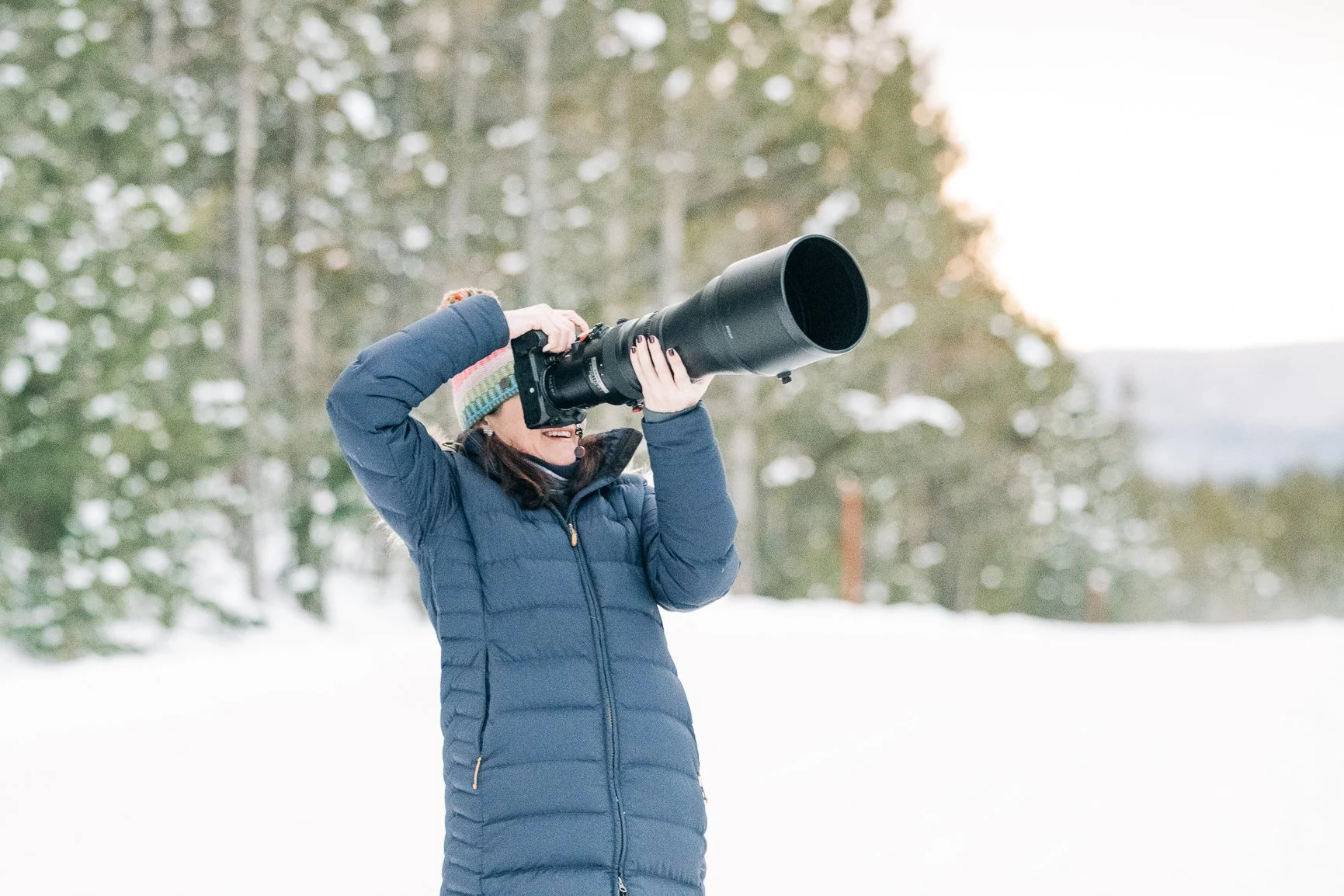
📸 Shooting in Snow: Exposure, Metering & Histograms
Yellowstone Winter Photography
Winter snow scenes can fool your camera’s meter and create gray, muddy whites or blown-out highlights. Use this guide to keep your snow bright, clean, and full of detail.
Why Is Snow Is Tricky?
Your camera wants to turn bright scenes medium gray.
Snowy scenes often cause underexposure unless you correct it.
Bright sun + white snow can also cause overexposure if you rely only on the LCD.
Exposure Compensation: Your Best Friend
Use +0.7 to +1.7 exposure compensation in snow to get crisp, white winter scenes.
Flat light / cloudy: +0.7 to +1.0
Bright sun: +1.0 to +1.7
High-contrast scenes: Watch closely—whites blow fast.
Tip: Don’t guess—watch your highlight warnings (“blinkies”).
Metering Modes for Winter
Matrix/Evaluative Metering is usually the safest starting point.
Center-weighted can help with wildlife against snow.
Avoid spot metering on bright snow unless you’re very intentional—it can lead to extreme exposure swings.
Reading Histograms in Snow
A correct snow histogram typically:
Leans to the right (because snow is bright)
Does not climb or spike up the right wall
Shows some detail in the midtones where your subject lives
Signs Your Exposure Is Off
🚫 Underexposed: Histogram bunched in the middle; snow looks gray.
🚫 Overexposed: Histogram climbing the right wall; no texture left in the snow.
✅ Ideal: Data near the right side but not clipped; clean whites with detail.
Using Highlight Alerts (“Blinkies”)
Turn them on!
If your subject’s face or fur is flashing white → overexposed
Snow flashing a bit is OK if you still retain texture elsewhere
In harsh sun, dial exposure down slightly until important detail stops blinking
White Balance for Snow
Start with Auto WB—modern cameras do well
If snow looks too blue, switch to Cloudy or adjust WB 5500–6500K
A slight cool tone often enhances winter mood, but avoid losing natural color in wildlife
Quick Yellowstone Settings Cheat Sheet
Mode: Aperture Priority (A) or Manual with Auto ISO or full Manual
Aperture: f/4–f/8 (wildlife); f/8–f/11 (landscape)
ISO: Auto ISO on
Shutter: 1/1600–1/3200 for wildlife movement
Exposure Comp: +1.0 starting point
Metering: Matrix
Final Thoughts
Snow photography is all about managing brightness.
If you consistently:
add positive exposure compensation
read your histogram
watch your highlight alerts
…you’ll get beautiful, clean winter images every time.